
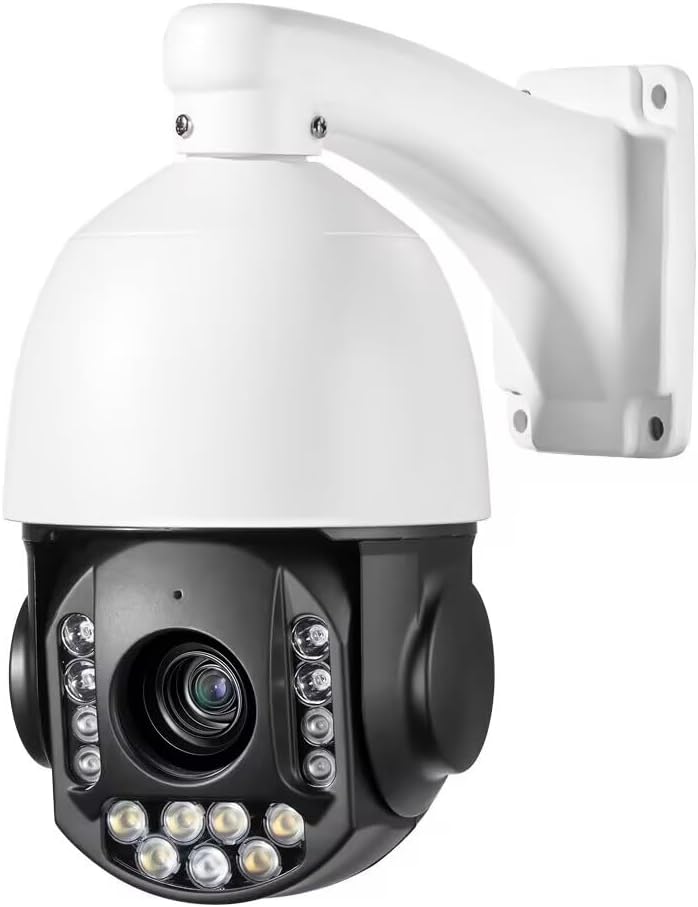
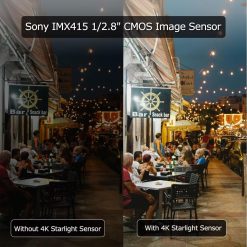
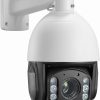


| Output Pixel | 3840*2160@20fps, 2304*1296@30fps, 2592*1520@22fps, 2592*1944@15fps |
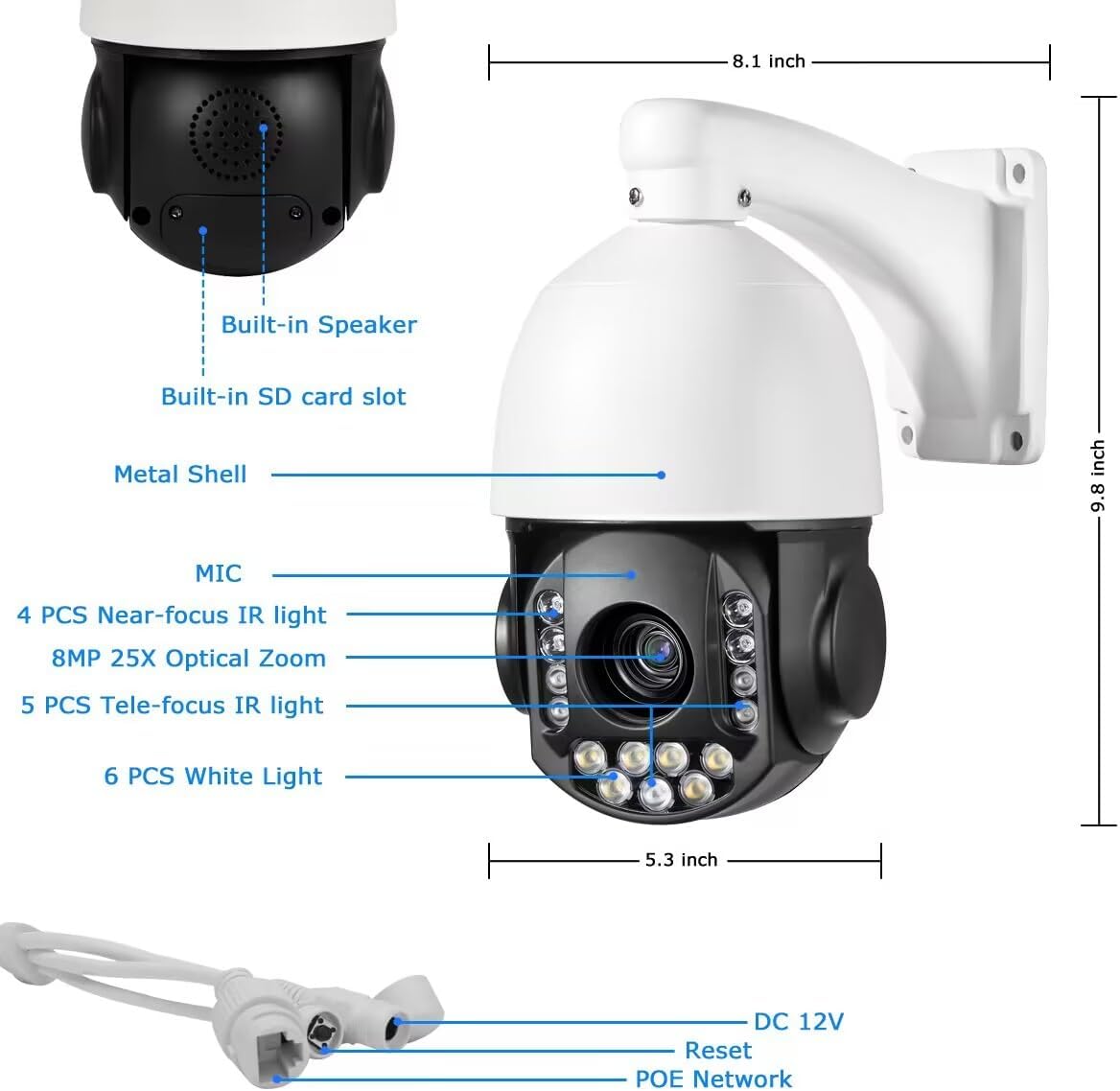
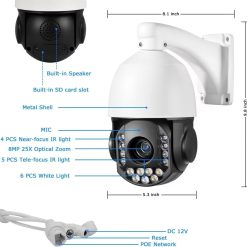
| Lens | 25Xoptical zoom f=5.3~ 130mm |
| Iris | F1.4-4.3 |
| FOV | 3.8?? -72?? |
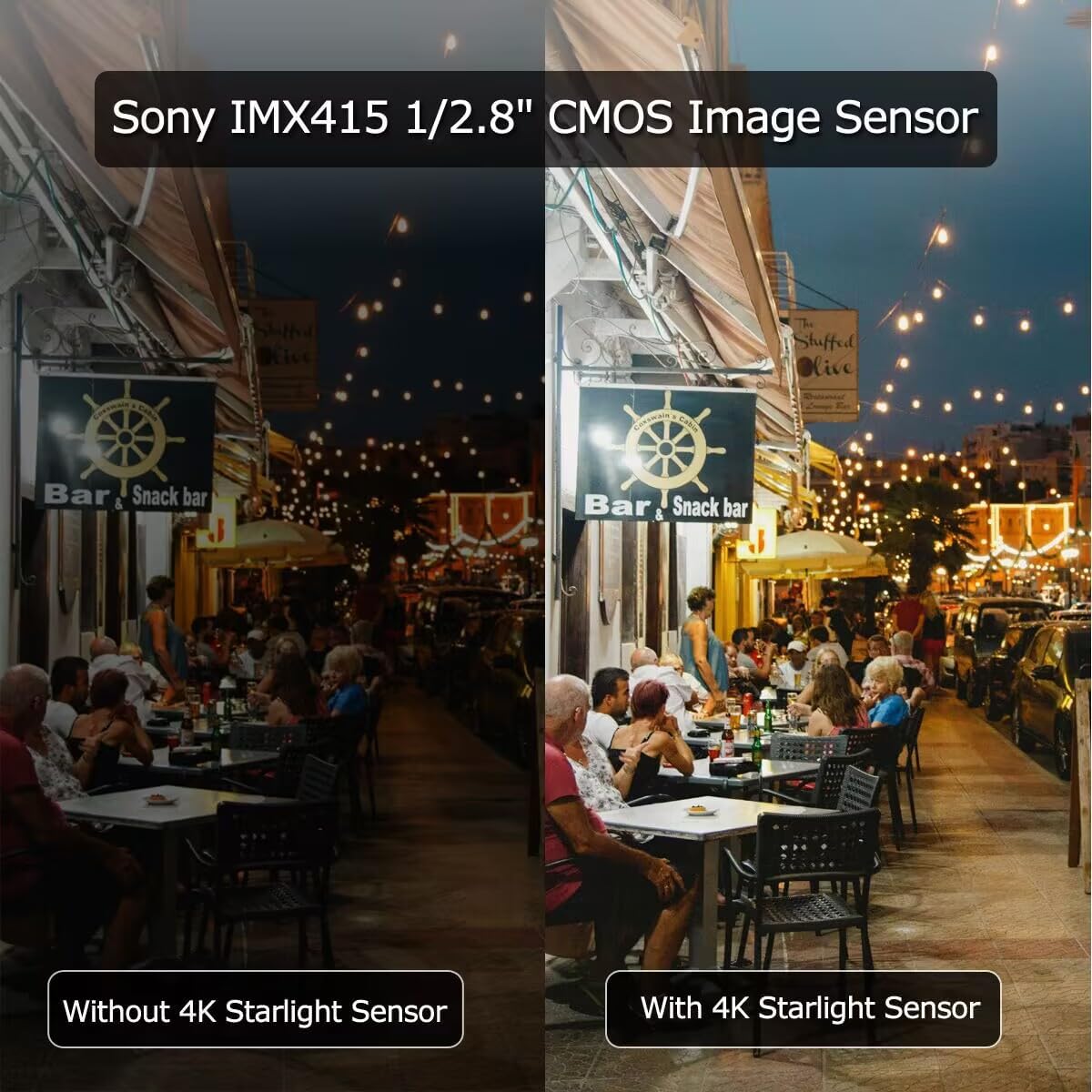
| Min. illumination | Color: 0.05 Lux, B/W: 0 Lux |
| D/N | IR-CUT |
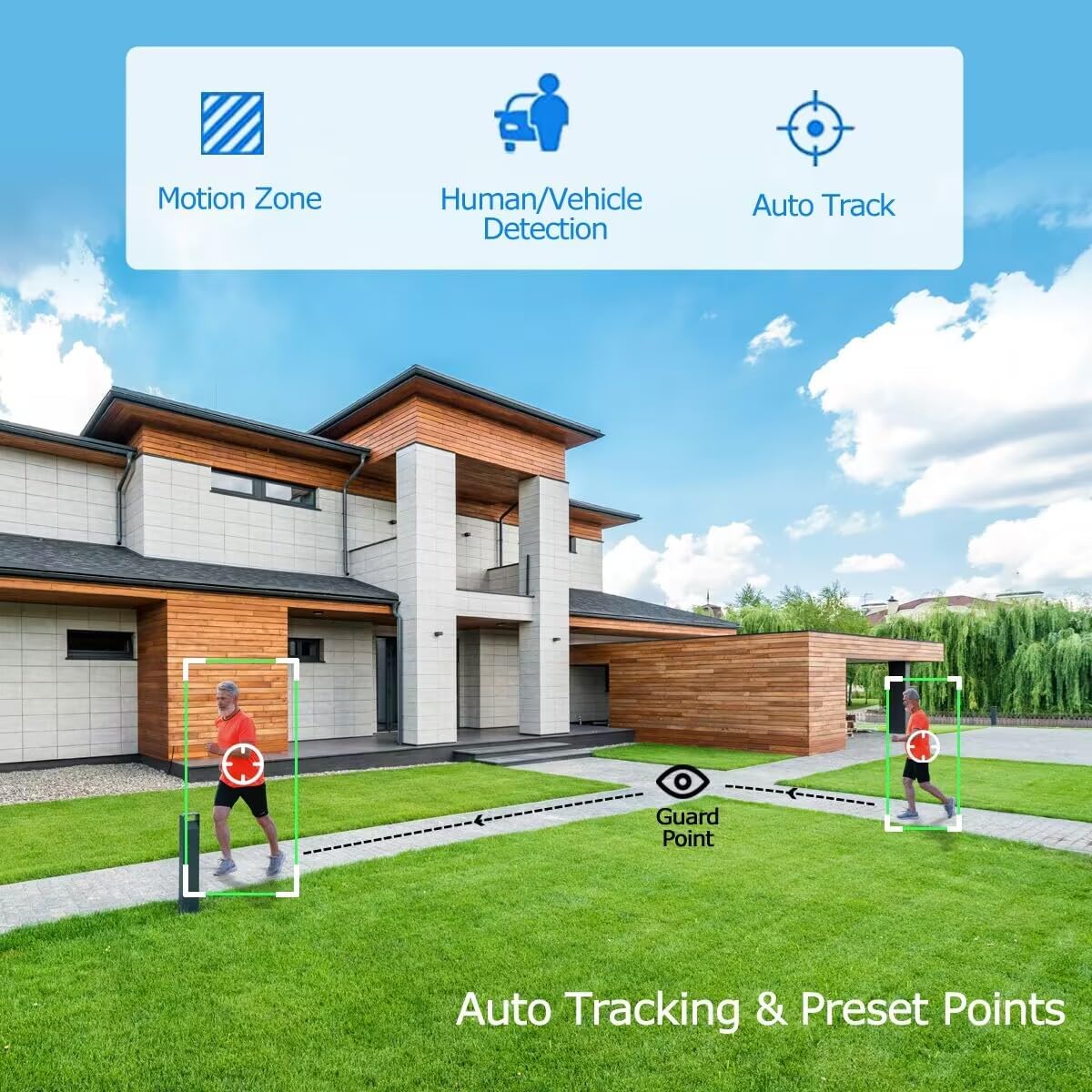
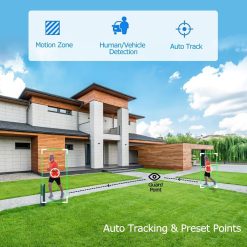
| Auto Tracking | Support |
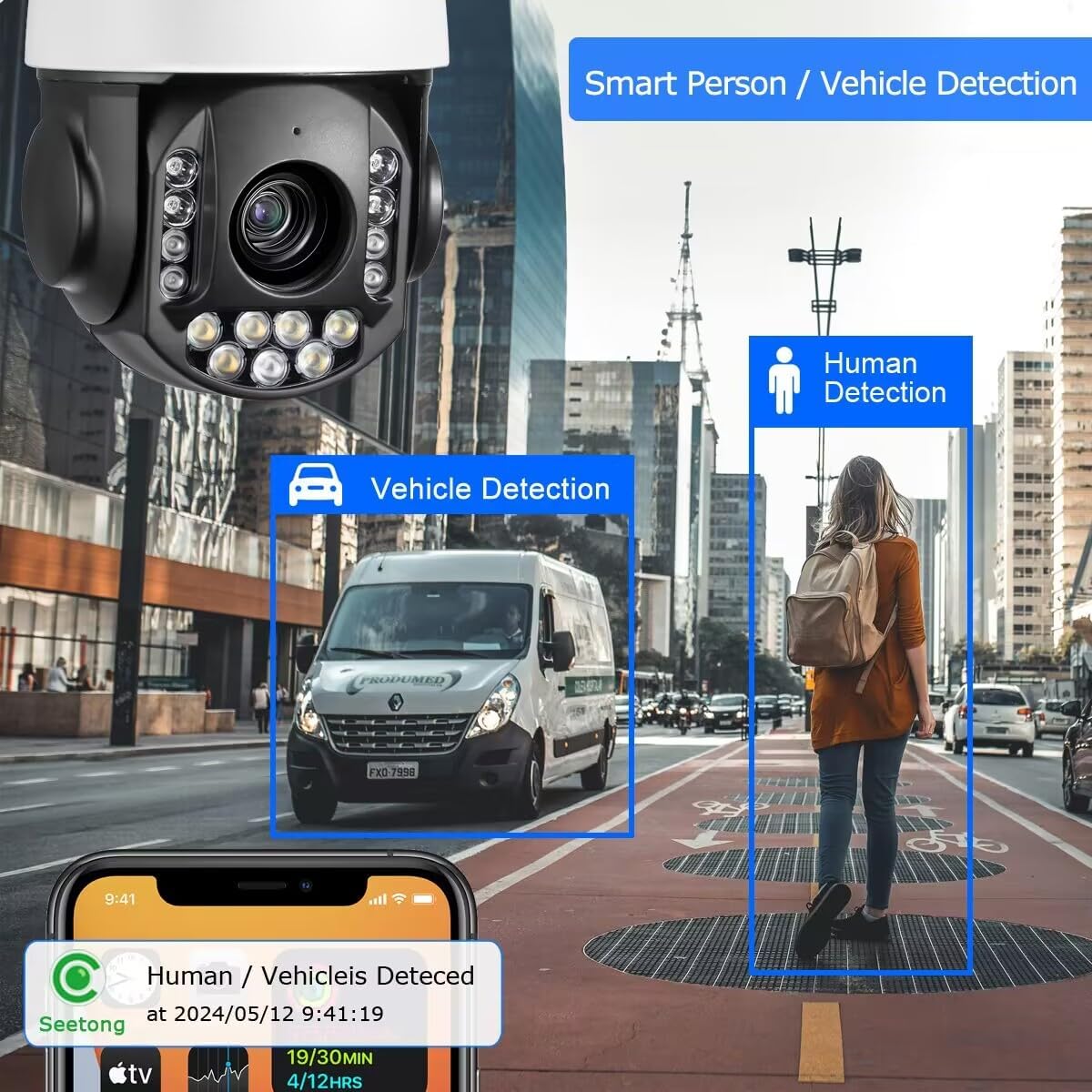
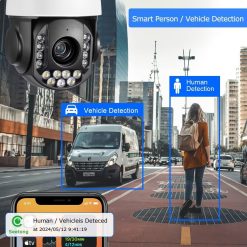
| Vehicle/Human Detection | Support |
| Communications Protocol | TCP/IP, HTTP, NTP, IGMP, DHCP, UDP, SMTP, RTP, RTSP, ARP, DDNS, DNS, HTTPS, P2P |
| Compatibility | IE, SEETONG ONVIF |
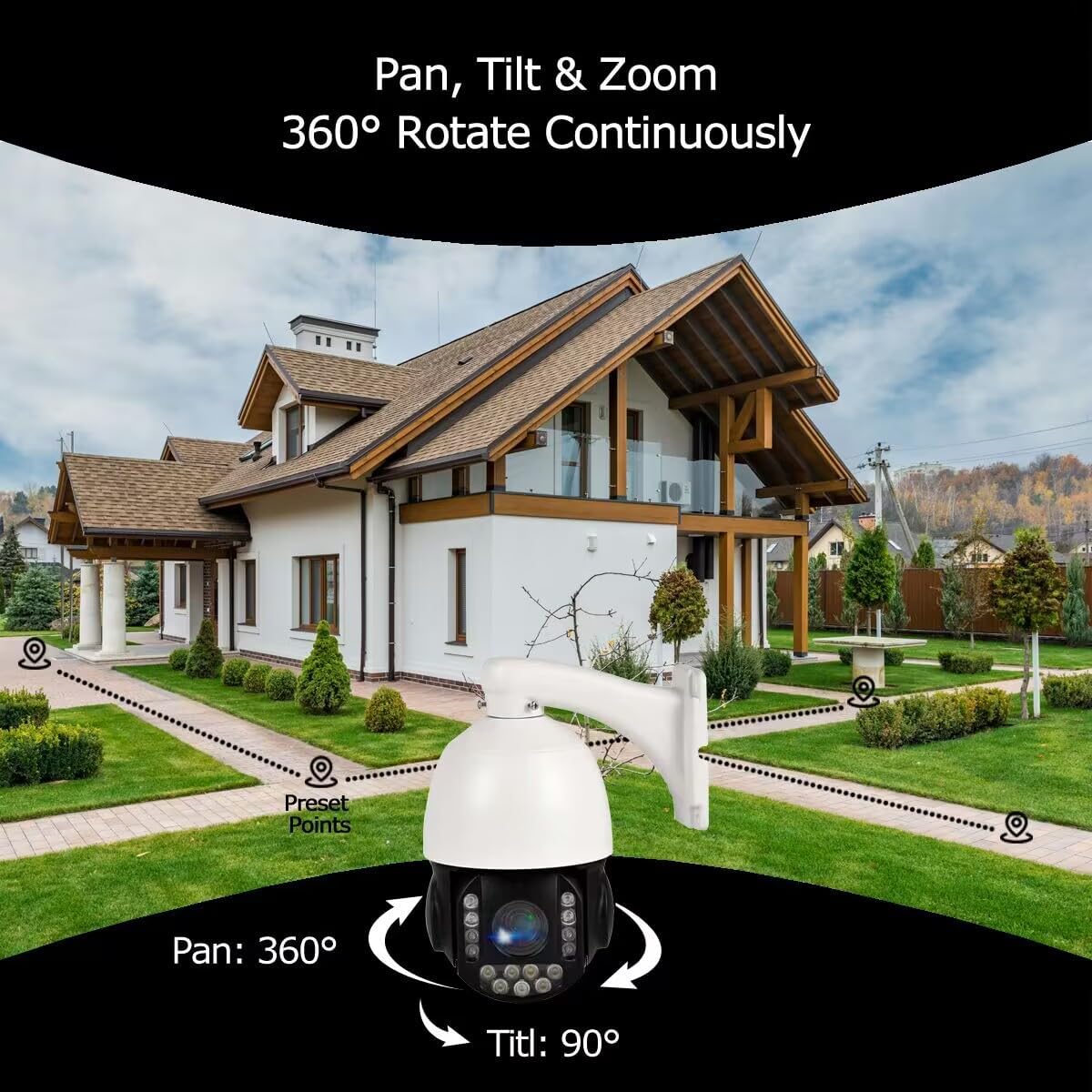
| Preset Points | 128 |
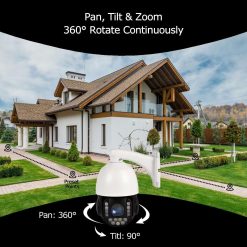
| Tilt Range | 0~90??(Auto Flip) |
| Pan Range | 360?? continued rotation |
| LED | ??28 8pcs infrared / ??28 9pcs Full Color |
| IR distance | Infrared 60 meters / Full Color 40meters |
| Power | DC12V ??3A |
-
Is this POE camera compatible with the third-part software/system/NVR with a setting page?
This ptz camera just support Onvif to connect video and control by third party NVR,
-
If guard position is set,how to cancel guard position?
Seetong APP, Pan&Tilt menu: Preset-Seting-Del guard position
or call 83: Delete all presets
-
How do I turn on Humans tracking?
1. Access the “Seetong” Client&APP or Camera website
2. PTZ control area – Add preset point 1 at a suitable location.
3. PTZ control area – advanced functions – enable/disable 3D positioning (humanoid tracking)
-
How to access the RTSP resource path?
main stream rtsp://admin:123456@”IP”:554/mpeg4
Sub stream rtsp://admin:123456@”IP”:554/mpeg4cif
-
If the camera is PoE powered, the camera has sound but no picture, no self-test and cannot be controlled!
Please check if the power of the PoE port reaches 30W and try to connect it with a 12V3A power supply.
| set | 20X_8MP_POE_PTZ, 25X_8MP_POE_PTZ |
|---|
Be the first to review “8MP 4K 25X optical 5.3-130mm Auto Tracking Outdoor Camera PoE IP wired”
Related products
Camera & Photo
Reviews
There are no reviews yet.