
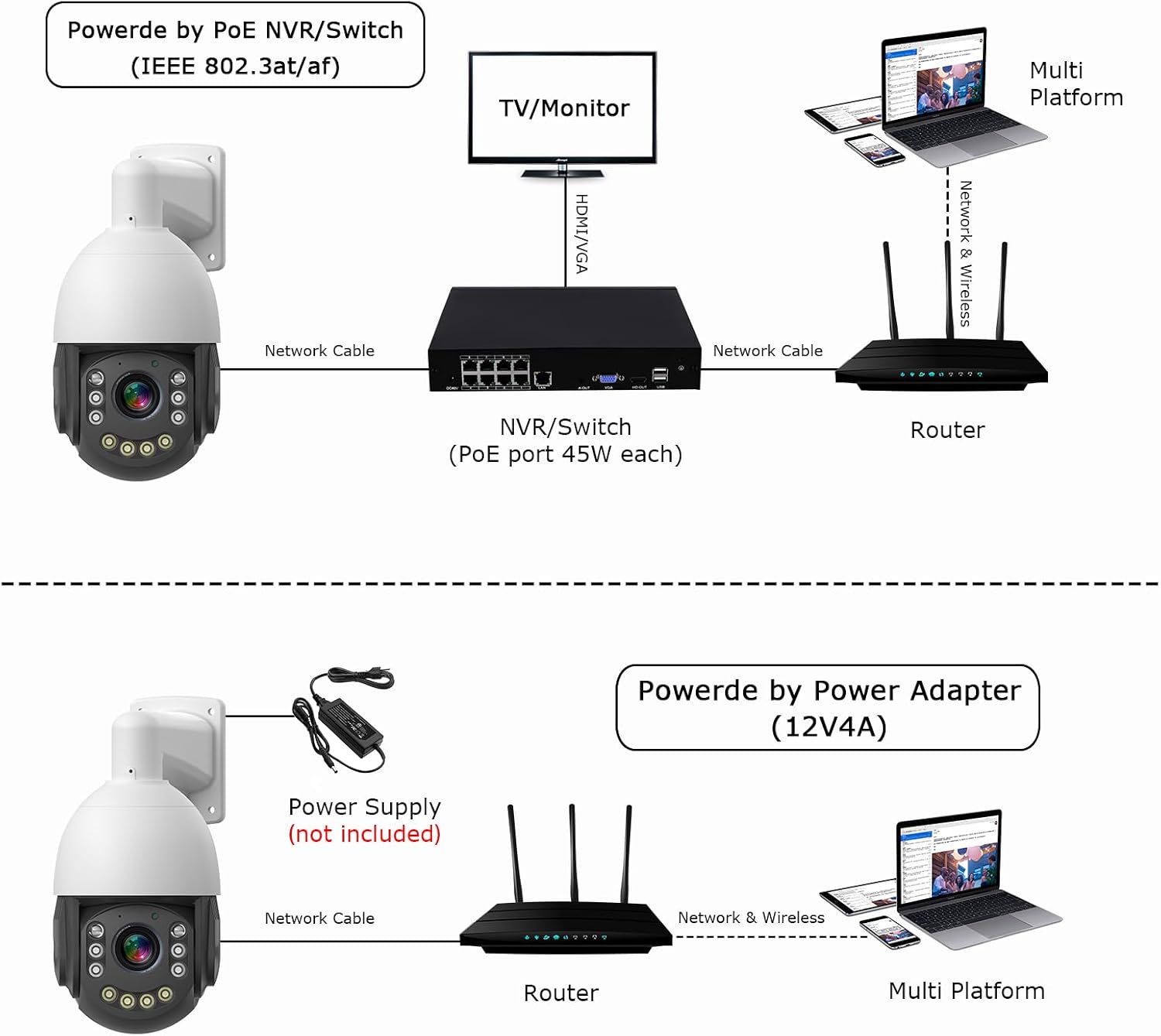
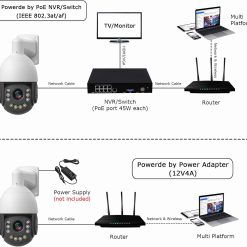


1. POE switch not included, Powder adapter not included
2. Only work with POE NVR that support Onvif.
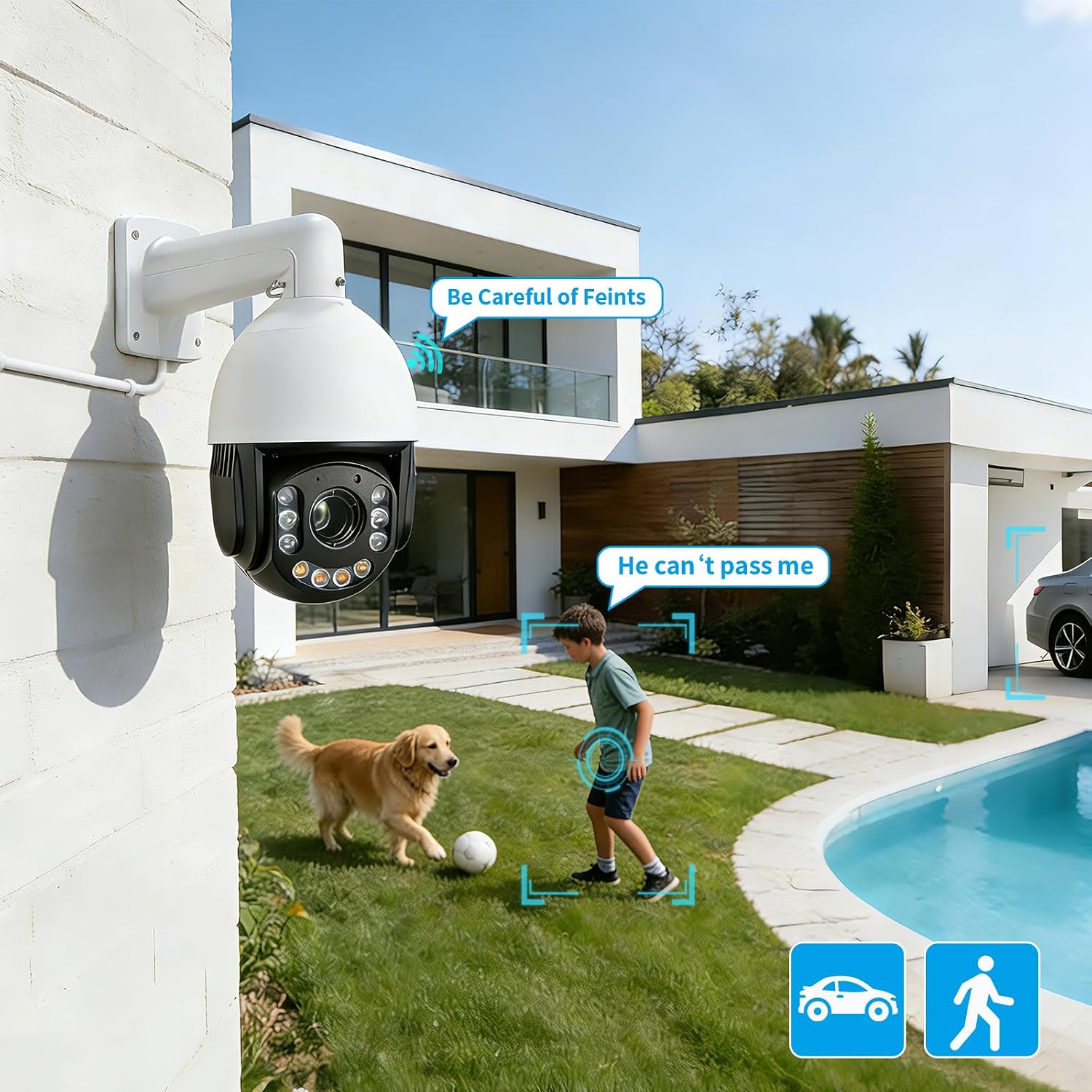
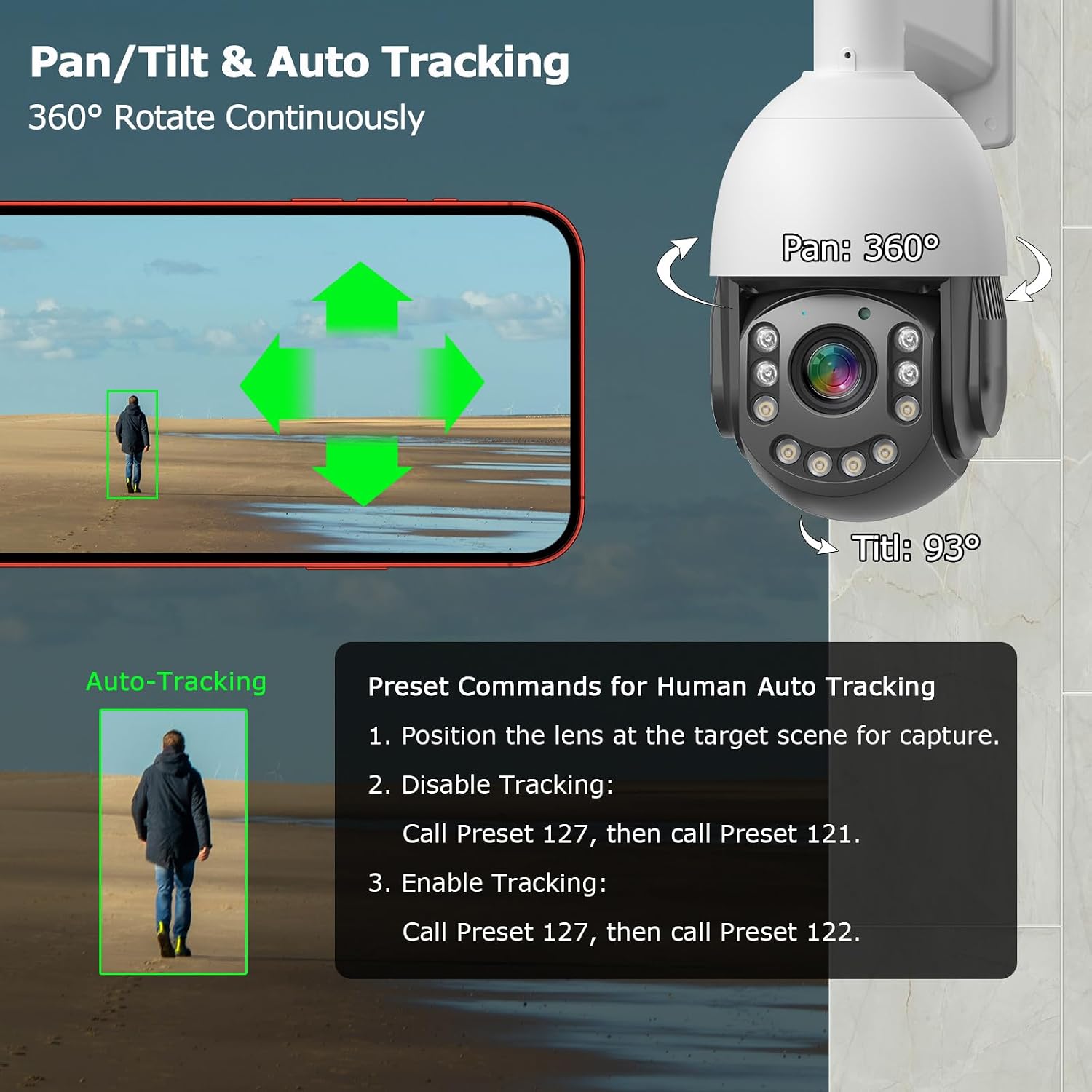
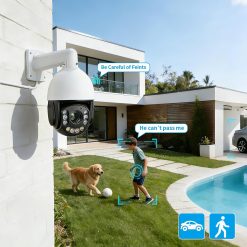
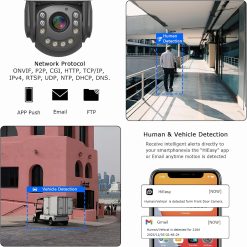
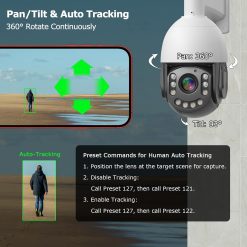
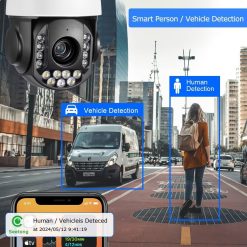
3. The camera can only track one target in the picture.
4. For stable transmission, use Cat5/Cat6 or higher-grade Ethernet cable.
5. Max cable length: 80m (longer distances may cause signal loss).
6. Avoid aiming at glass/reflective surfaces to prevent IR glare-induced image fogging
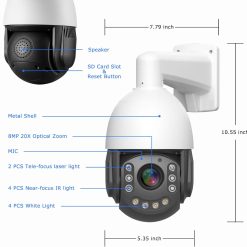
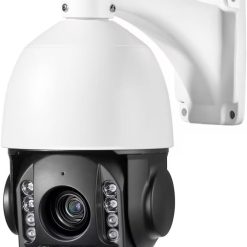
| Image Sensor | 1/2.8?? SONY IMX415 image sensor |
| Min. illumination | 0.03Lux@(F1.8, AGC ON), 3.0 Lux with IR |
| Noise reduction | 2D & 3D noise reduction |
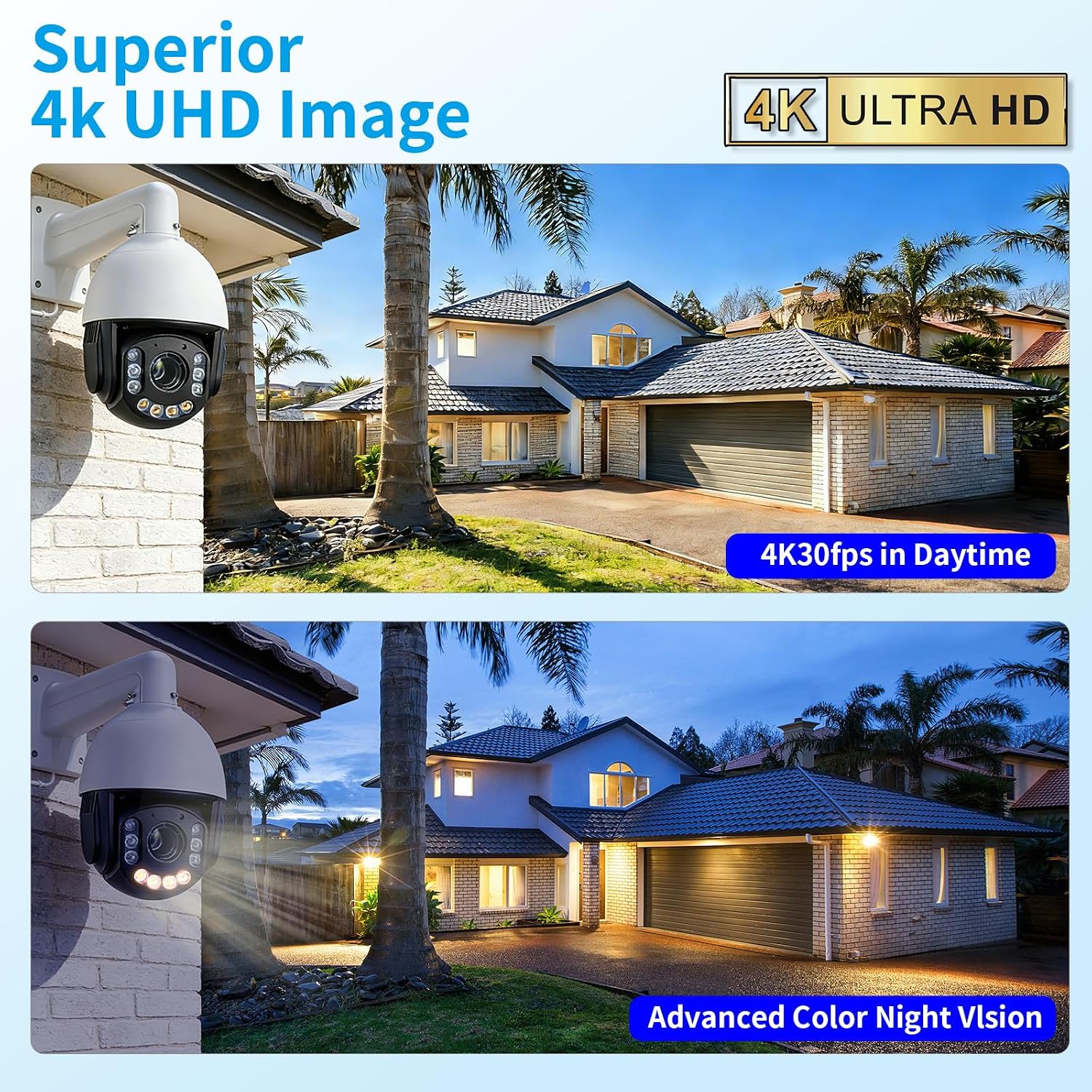
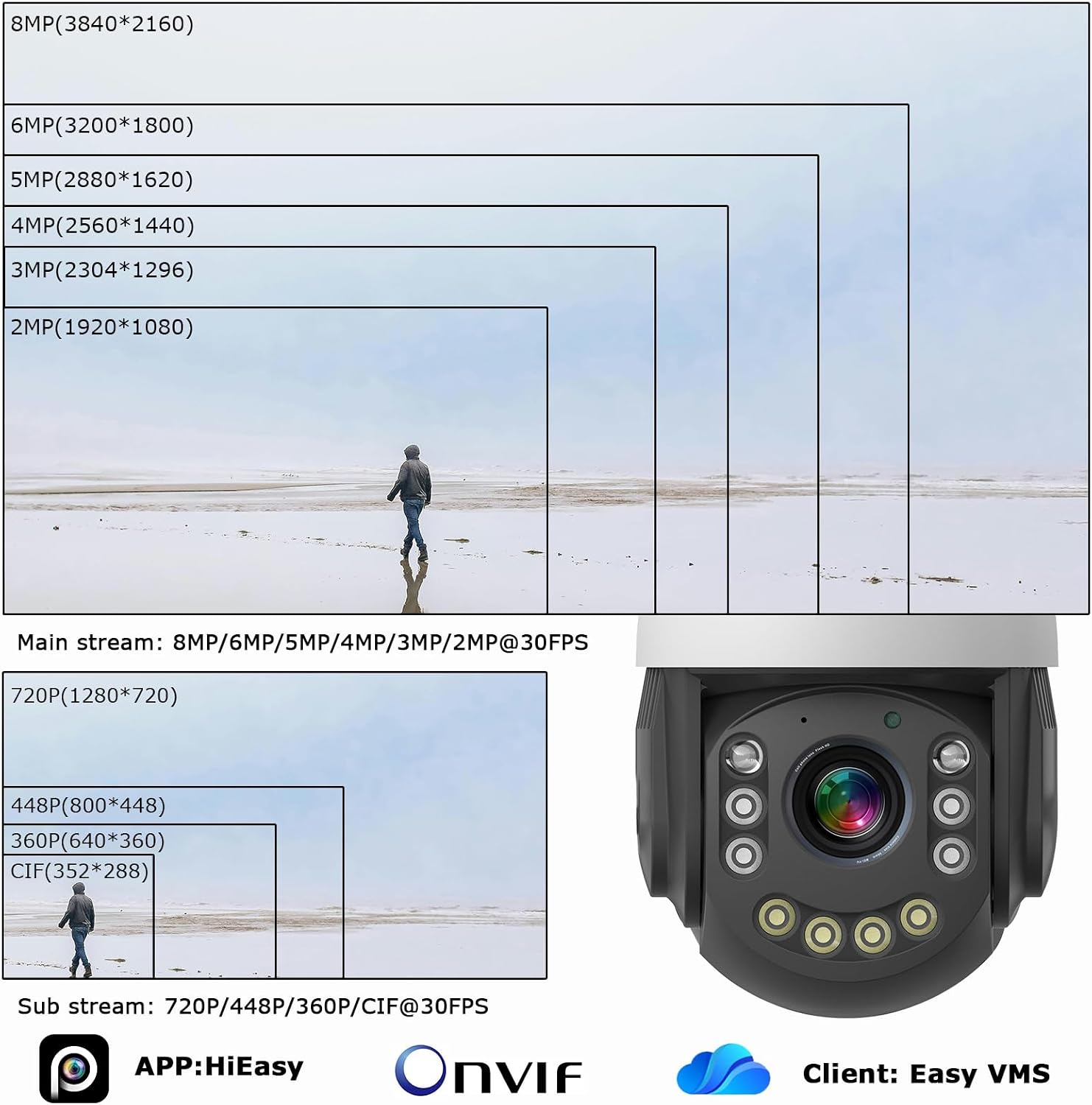
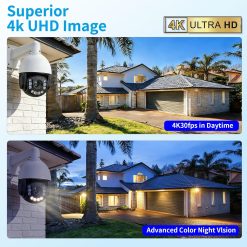
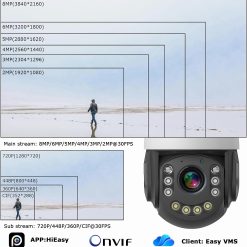
| Resolution | 4K (3840 * 2160) @ 30FPS(Max) |
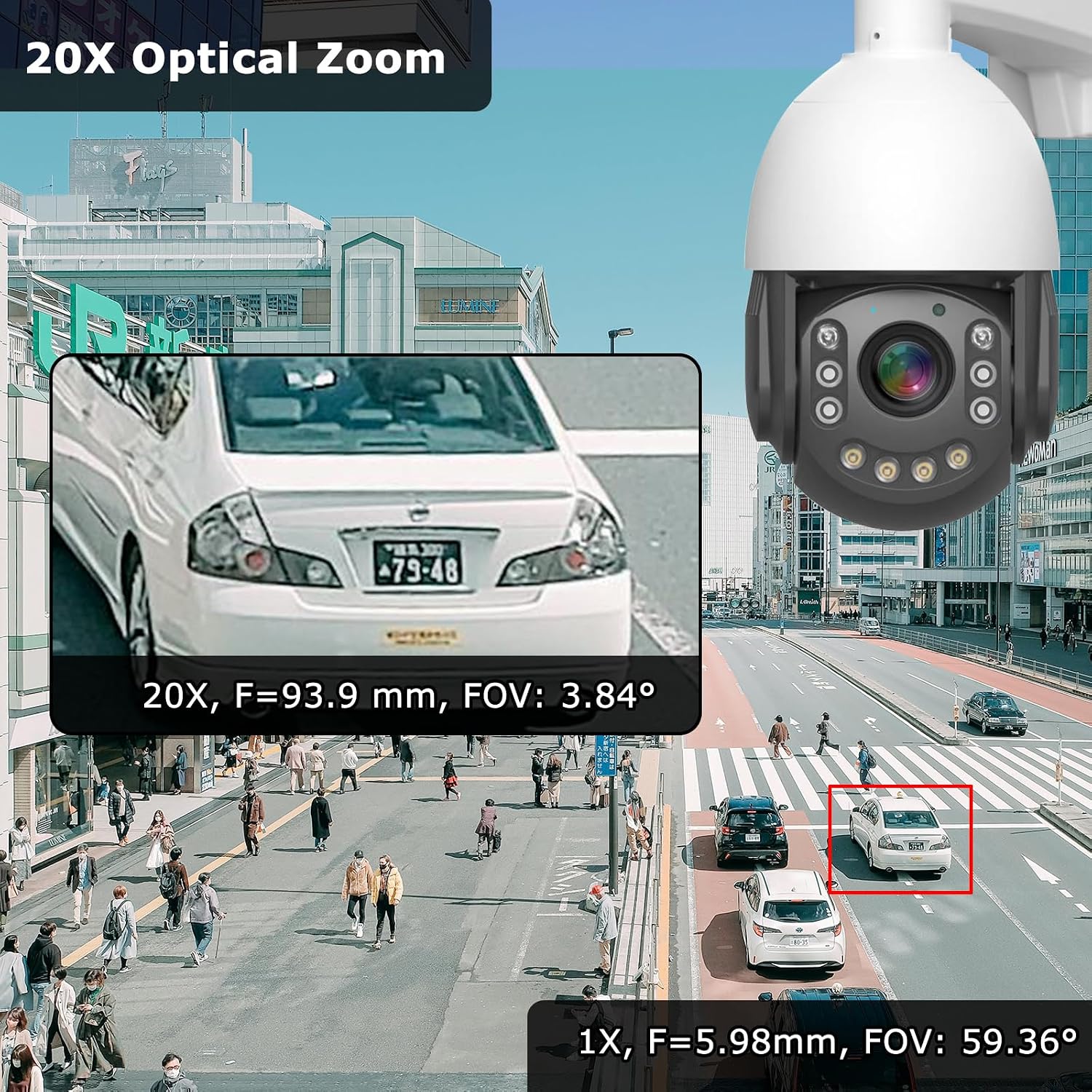
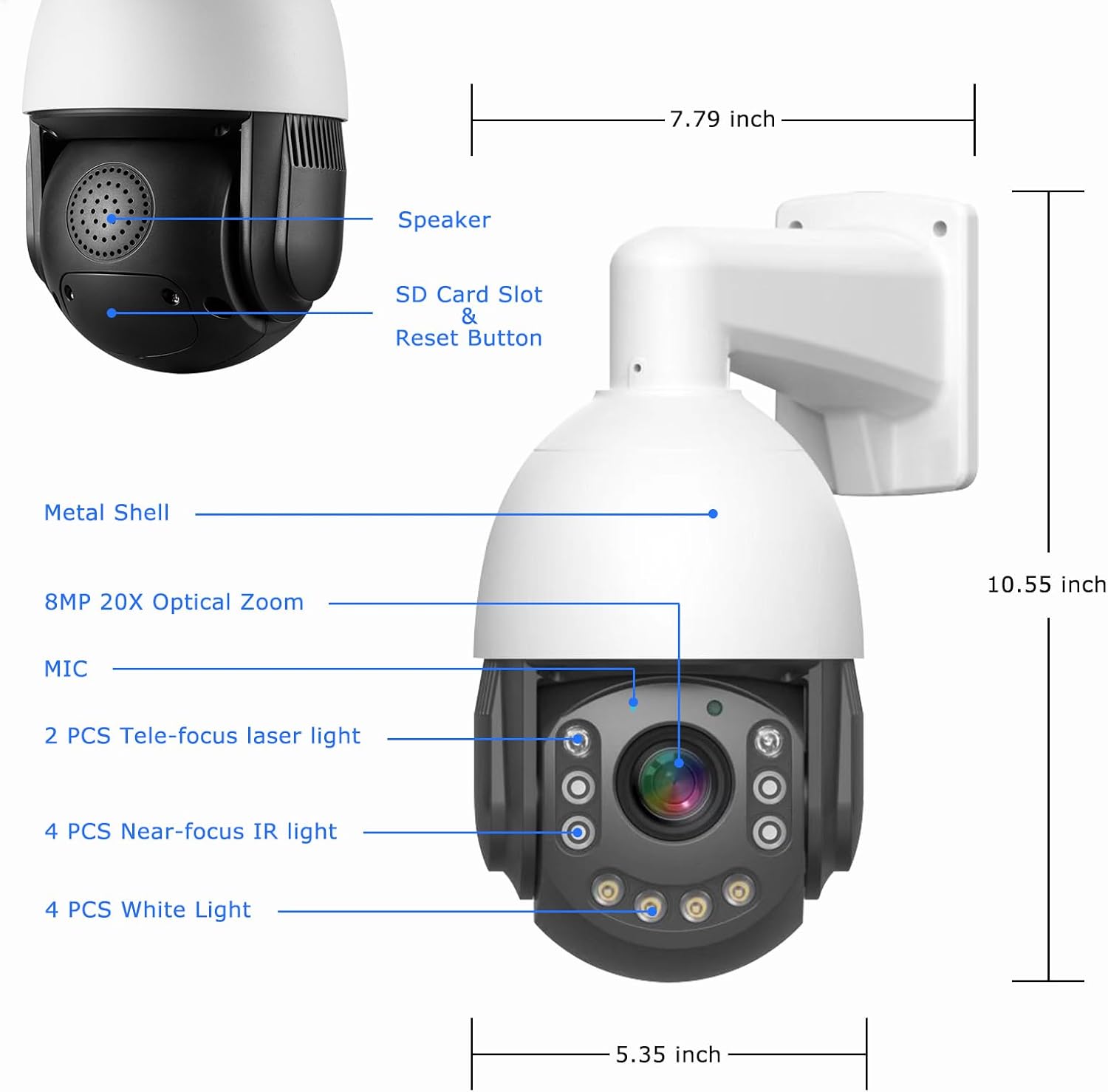
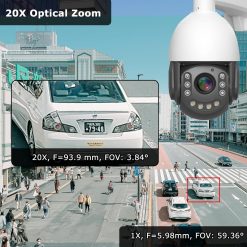
| Focal length | 5.98 ?? 93.9 mm ??5%(20X Optical Zoom) |
| Field of view angle | FOV: 59.36??-3.84??; H FOV: 52.12??-3.36??, V FOV: 29.75??-1.9?? |
| Aperture | F2.57(Wide) ?? F3.85(Tele) ??5% |
| PTZ Control angle | Horizontal: 0 ?~360 ?; Vertical: 0-93 ? |
| PTZ Control speed | Horizontal: 0 ?~30 ??/s Vertical: 0 ?~15 ??/s |
| Preset | 220 |
| Scan/Cruise | Supports 360 ?? scanning, A-B two-point scanning, and preset point cruising |
| Automatic tracking range | 3-50m |
| Power supply | DC: 12V3A / POE(1236/4578 ) |
-
Device Does Not Power On or Self Test
Try a power adapter with a slightly higher current rating (recommended: DC?12?V?4?A). If you have extended the 12?V output cable, extend the 220?V side instead, or use a power adapter with an even higher current rating.
-
Device Added But Shows Offline
Check whether the device??s segment, gateway, and other network settings match those of your router and computer
-
No Video When Connected to an NVR
Ensure the NVR is on the same segment as the dome camera and that the password is correct. If the NVR does not support H.265 encoding, change the camera??s encoding to H.264.
| set | 20X_8MP_POE_PTZ, 25X_8MP_POE_PTZ |
|---|
Be the first to review “4K30fps 8MP Outdoor PTZ IP POE Auto Tracking Dome Camera Pan Tilt 20x Optical & Human Vehicle Detection,”
Related products
Camera & Photo
Reviews
There are no reviews yet.